
IPTV player · smartphone · tablet · TV
Your playlist. Your screen.
IPTV PLAYER
IPappTV - an IPTV player with a live EPG guide. On your phone, tablet and TV.
Android · Google TV · Android TV
How it works
Home · List · Play
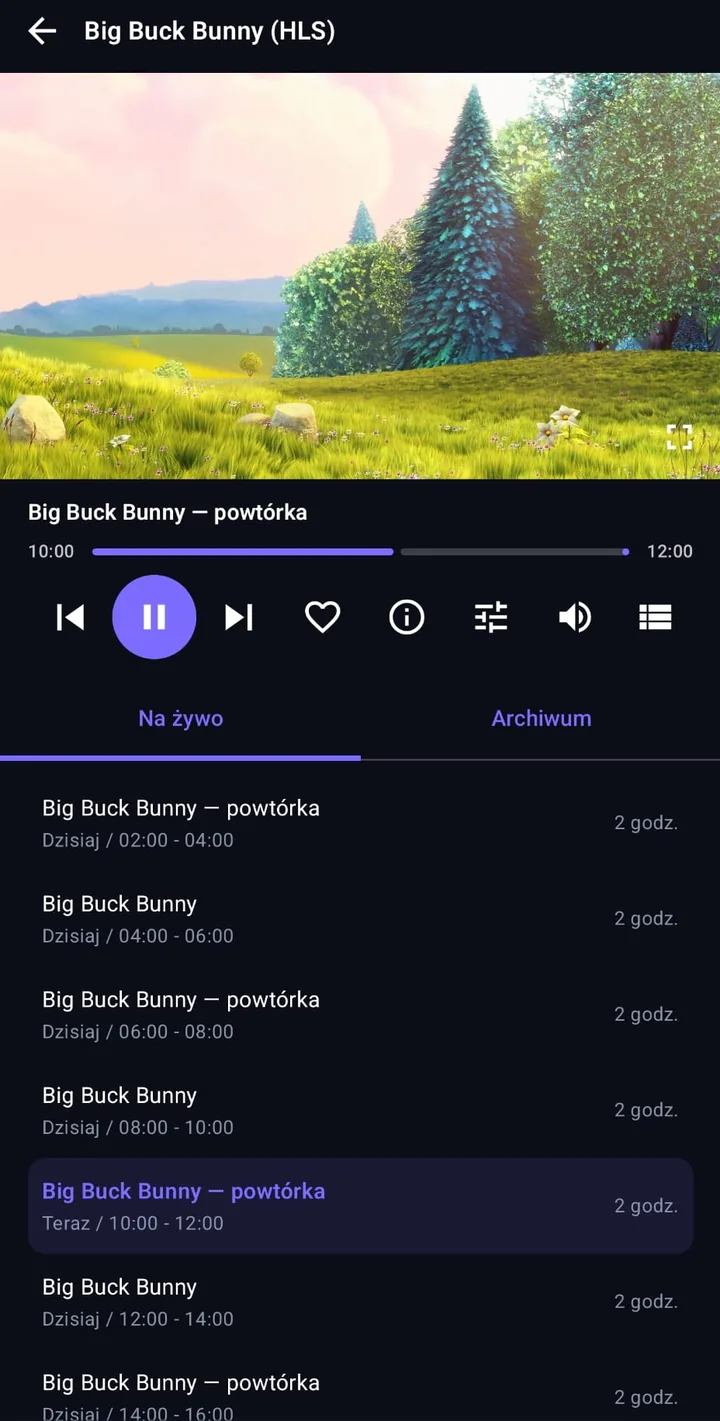
Big screen
One app, many screens
The same install package runs on your phone, tablet and TV. On Google TV and Android TV the interface moves to remote control on its own - from the first screen right through to the player, fully supported.

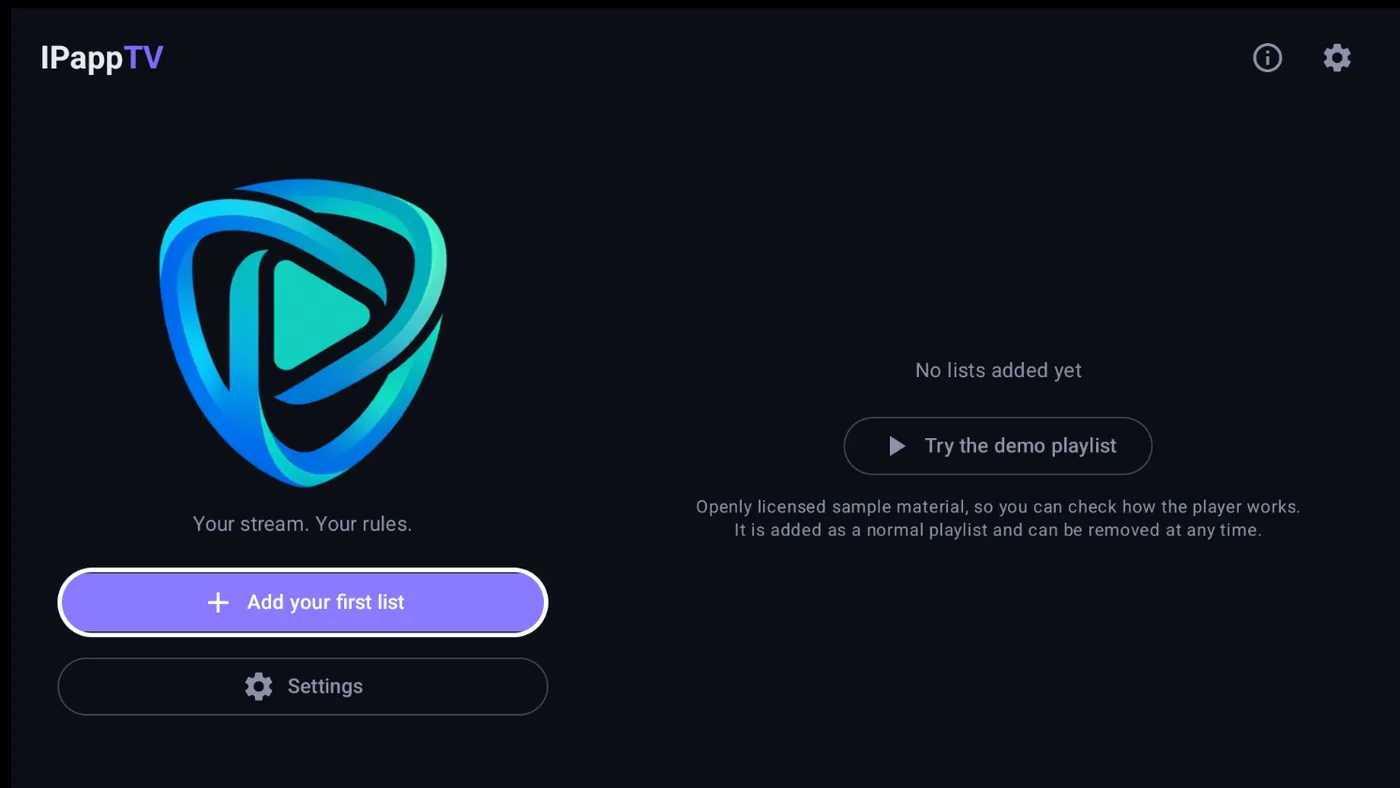
Smooth remote navigation thanks to a clear on-screen selection. You drive the whole app from your TV remote - no mouse or touchscreen needed.
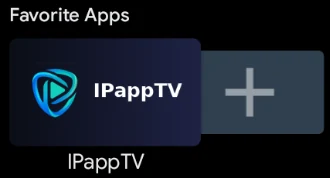 On the TV home screen you can pin the app to the favourites row.
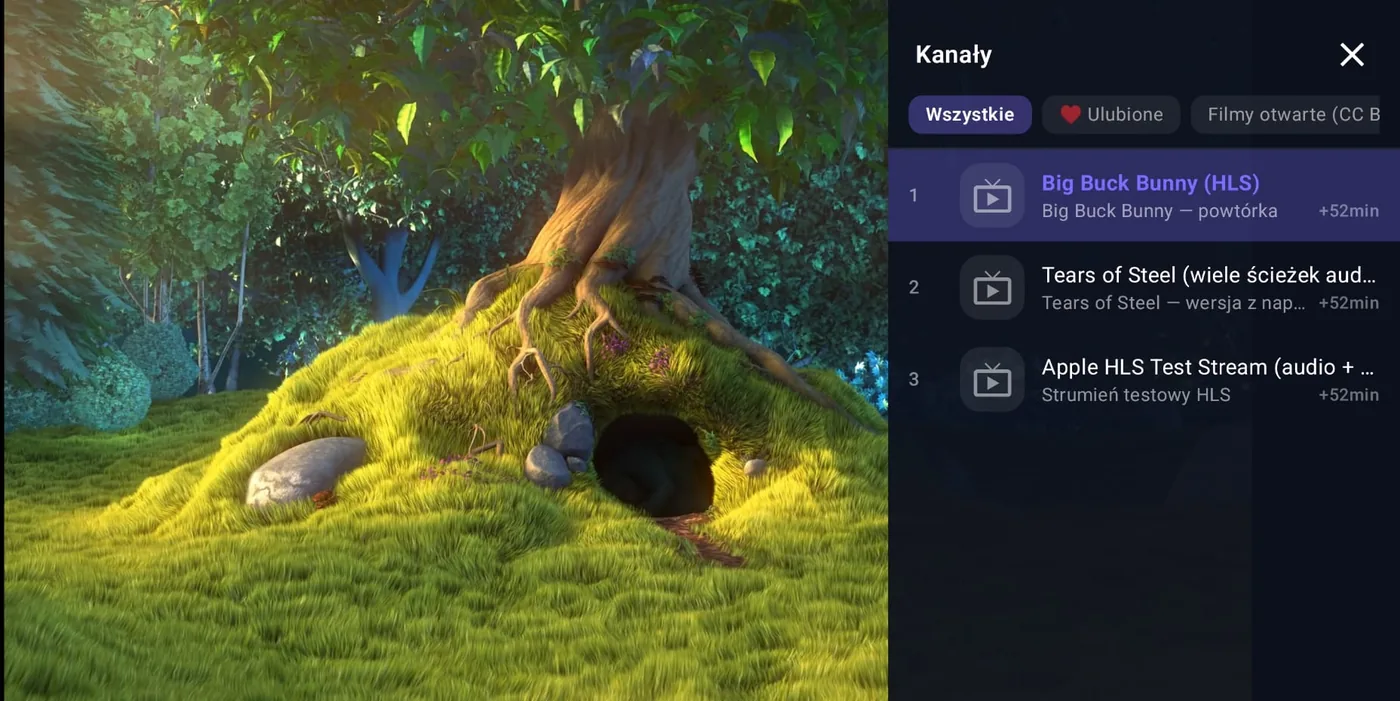
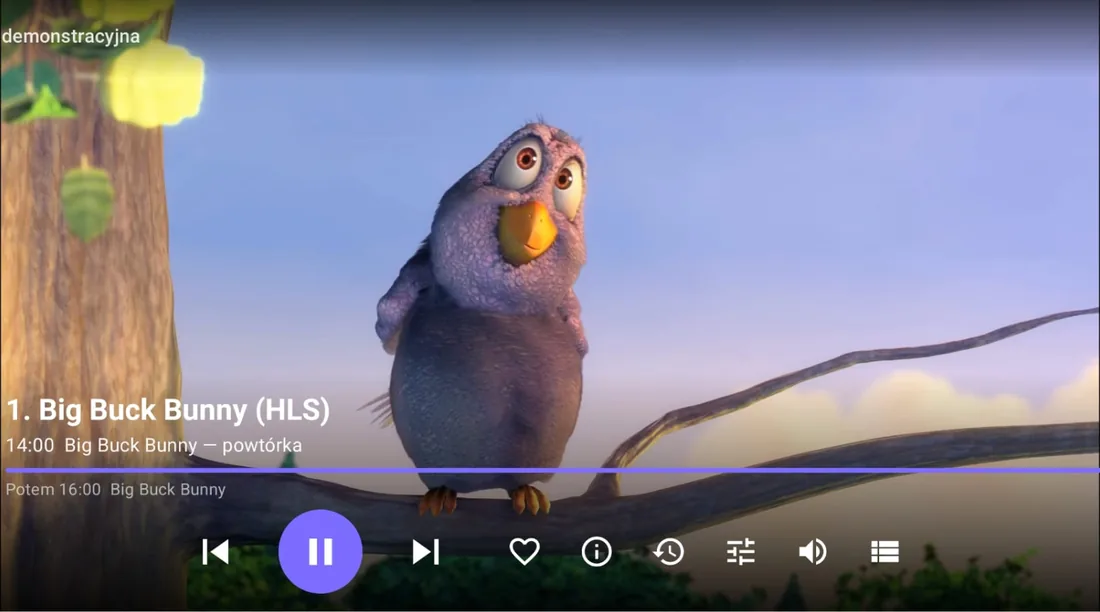
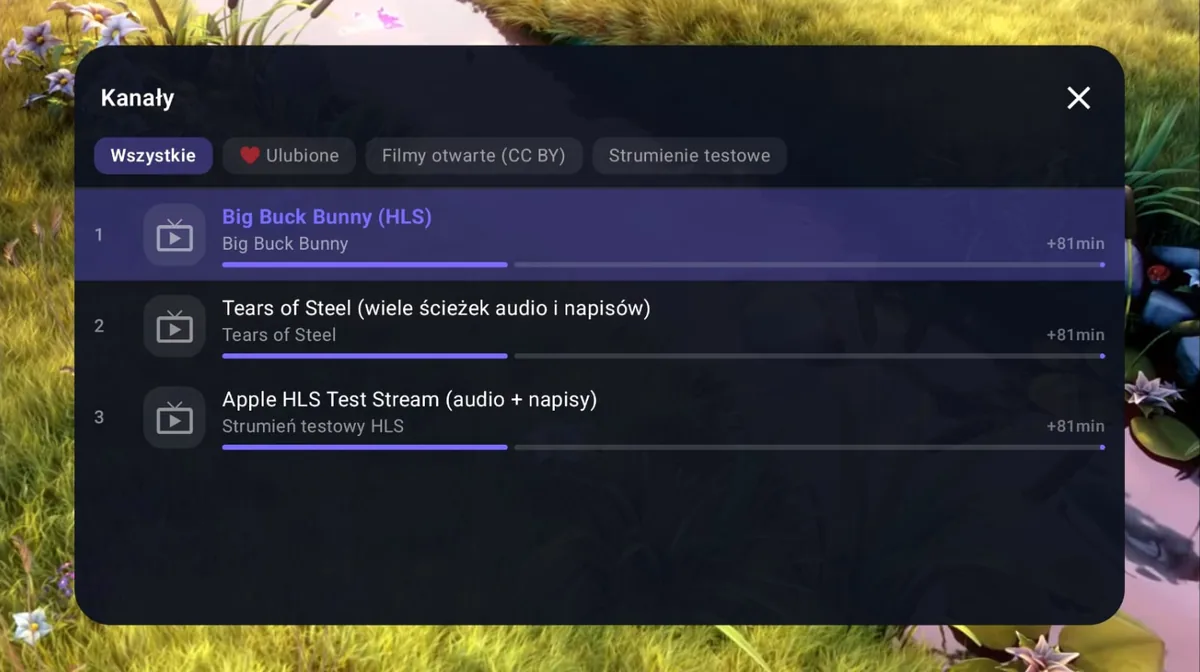
While a channel is playing you can switch to another one from the side panel or the centred window. You see the current programme and how much time is left before it ends.
IPappTV is a player only
The app does not supply television channels or protected content, and does not host or store any video material. To use it you need your own M3U playlist or channel access from a legal source, which you add yourself. You are responsible for the legality of the sources you use.
What you get
An IPTV app built for you
No accounts, no ads, no statistics. Everything you enter stays on your device.
Your playlists
Load an M3U or M3U8 playlist - from a file on your device or straight from a URL. One playlist in the free version, several at once in PRO PRO
Programme guide
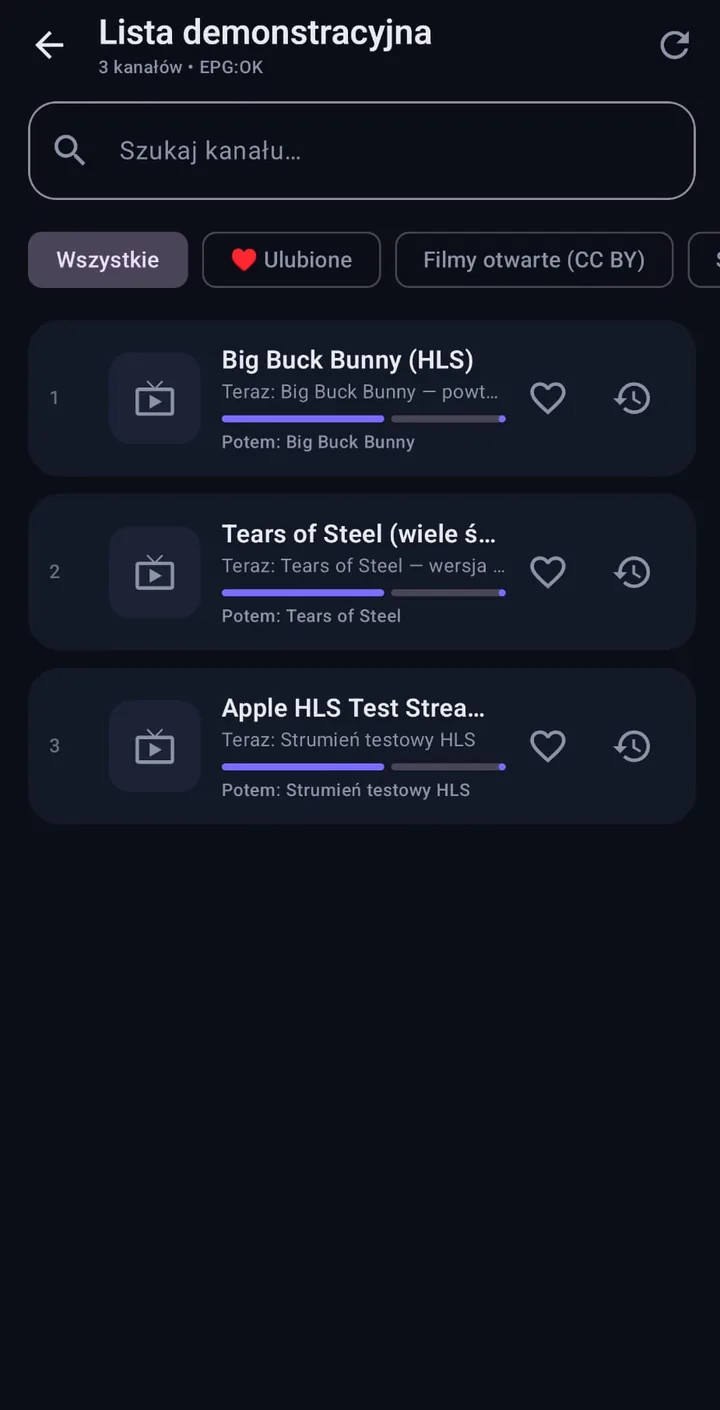
Loads the EPG guide along with descriptions and categories. You see which programme is on and what follows it.
Favourites
Whatever you watch most stays in one place. Custom ordering of favourites and your own channel groups come with PRO PRO
Audio tracks
Channel broadcasting in more than one language? Switch the audio track with a single tap.
Catch-up PRO
Missed a programme? Rewind the broadcast and watch it whenever you like - wherever your provider offers an archive.
Playback settings
Set the buffer to match your connection - smaller for a faster start, larger for a steadier picture.
Colours and theme
Five dark colour schemes and sixteen accent colours to choose from. PRO
Privacy
No sign-up, no account, no ads and no tracking. Nothing leaves your device.
PRO version
One-time purchase, no subscription
The free version is fully usable and never shows advertising. PRO unlocks nine extra features - you pay once and nothing renews.
Several playlists at once
Keep more than one playlist in the app and switch between them without deleting and re-adding.
Catch-up and rewind
Go back to an earlier programme wherever your provider offers an archive.
Favourites in your order
Arrange your favourite channels exactly how you want them listed.
Your own channel groups
Build your own categories, independent of how the provider grouped the playlist.
Parental lock
Protect selected channels with a PIN so nobody opens them by accident.
Scheduled programmes
Mark a programme that has not started yet. While you are watching the app switches to it; otherwise you will find it on the home screen.
Picture in picture
On phones and tablets, keep watching in a small window while you use other apps.
Backup of settings
Save playlists, favourites, groups and settings to a single file and restore them on another device. The file stays with you.
Interface colours
Pick the accent colour the app uses for selections, progress bars and the programme on air.
The price is shown in Google Play in your local currency. The entitlement is tied to your Google account and is restored automatically after reinstalling.
Languages
The interface in seven languages
The app follows your system language automatically, and you can switch it in settings if you prefer another.
Three steps
Getting started
Install the app
On your phone, tablet or a TV running Google TV or Android TV.
Add your playlist
Point to an M3U file or paste the URL from your provider. The EPG sets itself up automatically, and you can enter its address by hand if needed.
Start watching
Lista wczyta się razem z ramówką. Favourites i ustawienia obrazu masz od razu pod ręką.
Questions and answers
Frequently asked questions
Short answers to what people ask most often.
Does IPappTV provide television channels?
No. IPappTV is a player only. The app does not supply, host or store any channels, playlists or video material. To use it you need your own M3U playlist or channel access from a legal source, which you add yourself.
How do I add my own M3U playlist?
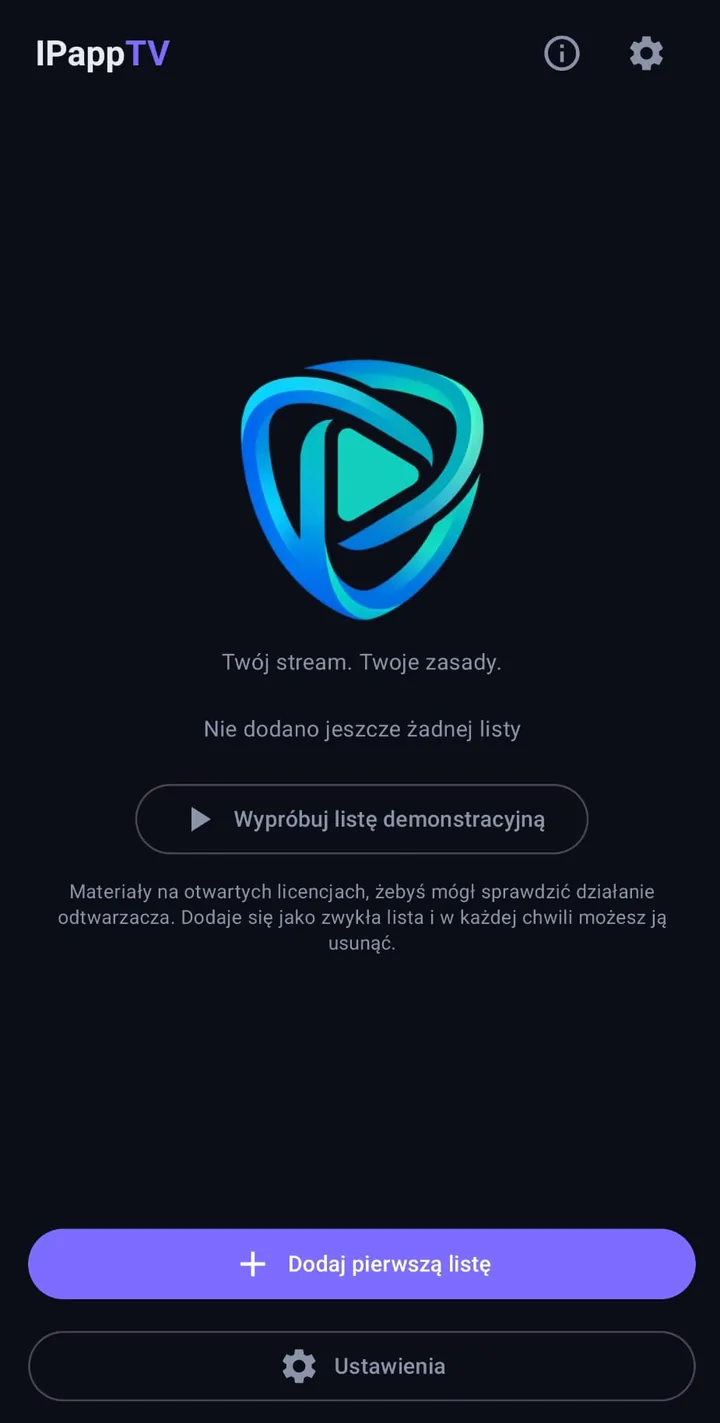
On the home screen choose “Add list”, give it a name and paste the URL from your provider, or point to an M3U file stored on your device. The list loads together with the programme guide. You can also load our demo playlist of openly licensed material in one tap to see how the player works.
Does the app work on Android TV and Google TV?
Yes. The same install file runs on phones, tablets and TVs. On Google TV and Android TV the interface switches to remote control on its own — from the first screen right through to the player. There is no separate version to download.
What is EPG and where do I get the programme guide?
EPG is the electronic programme guide — it shows what is on now and what follows. The XMLTV guide address usually comes from your playlist provider. IPappTV normally finds it automatically in the playlist header, and you can enter the address by hand if needed.
How much does the app cost and does it show ads?
The app is free and shows no advertising - anywhere, in any version. It contains no analytics and no advertising identifier, requires no account, and sends none of your data to the developer's servers. A few extra features come with PRO, bought once, with no subscription.
Can I rewind a broadcast and watch an earlier programme?
Yes, wherever your provider offers an archive (catch-up) - this is a PRO feature. IPappTV reads the archive information from the playlist and lets you pick an earlier programme from the guide on channels that support it. On channels without an archive only live viewing is possible.
Which languages is the interface available in?
Seven: Polish, English, German, French, Spanish, Italian and Ukrainian. The app follows your system language automatically, and you can switch it in settings if you prefer another.
What data does the app collect?
No personal data. Playlist addresses, downloaded guides and your settings stay on your device only and are removed when you uninstall the app. The app connects solely to the addresses you enter yourself.
A channel will not play — what should I check?
First make sure the playlist address is current and that the same stream works at your provider. If the picture stutters, increase the buffer in playback settings. If a channel does not start at all, try switching decoding to software — some streams do not work with a device's hardware decoder.
What does PRO add and what does it cost?
PRO is a one-time in-app purchase - you pay once, with no subscription and no renewals. It unlocks several playlists at the same time, catch-up and rewinding broadcasts, custom ordering of favourites, your own channel groups, a PIN-protected parental lock and a choice of interface colours. The price is shown in Google Play in your local currency. The free version stays fully usable and never shows advertising.
Read more
Documents and contact
Short and to the point - read it before you install.