
IPTV playlist player · Android plus Google TV / Android TV
Your playlist. Your screen.
IPTV PLAYER
IPappTV plays your M3U playlists and shows the programme guide — on your phone, tablet and TV running Google TV or Android TV.
How it works
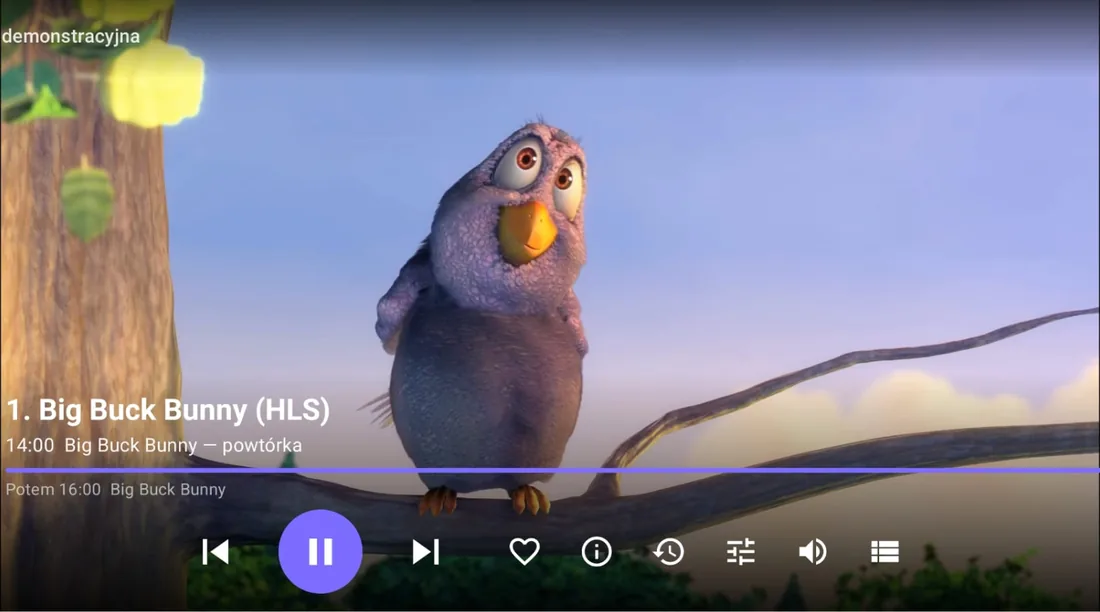
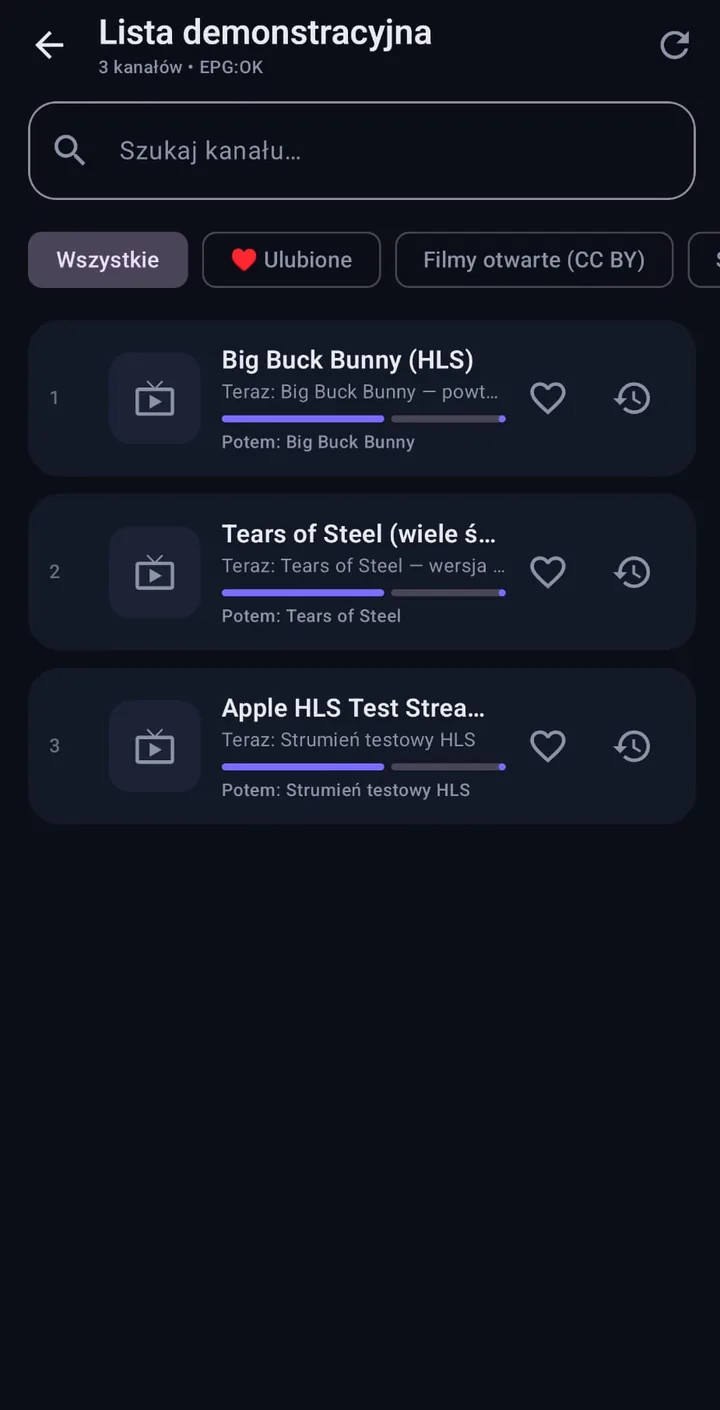
The three screens you will use most
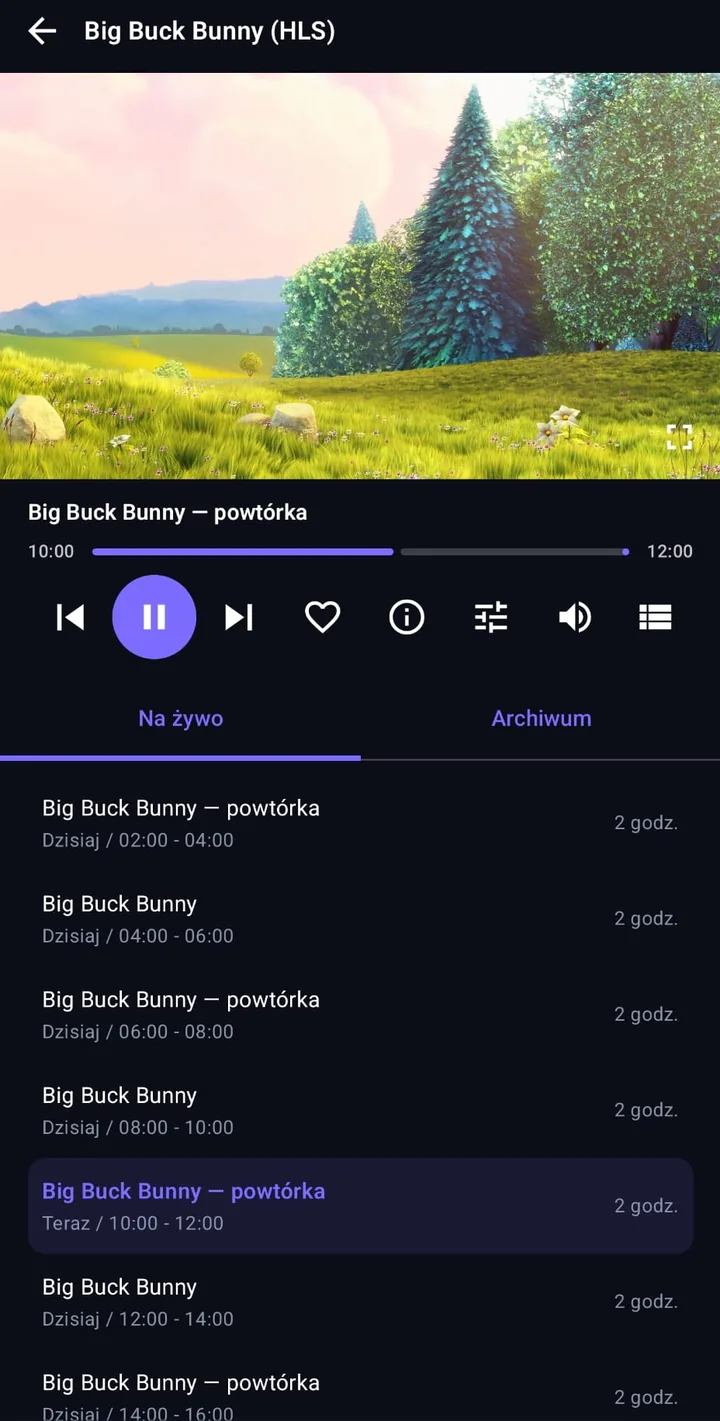
Big screen
One app, many screens
The same install file runs on your phone and on your TV. On Google TV and Android TV the interface moves to remote control on its own — from the first screen, with nothing extra to download.
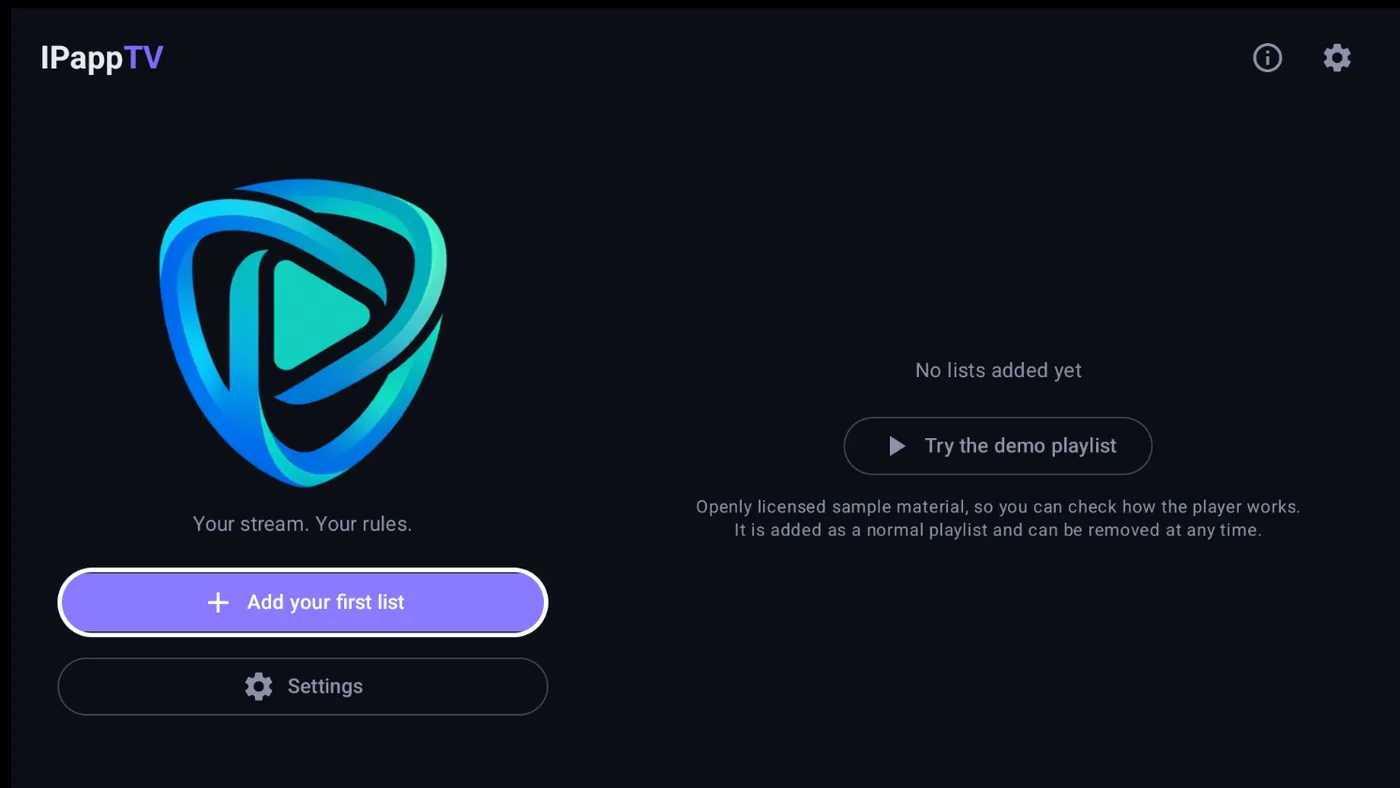
The white outline in the screenshot shows where the selection sits. You drive the whole app from the TV remote — no mouse or touchscreen needed.
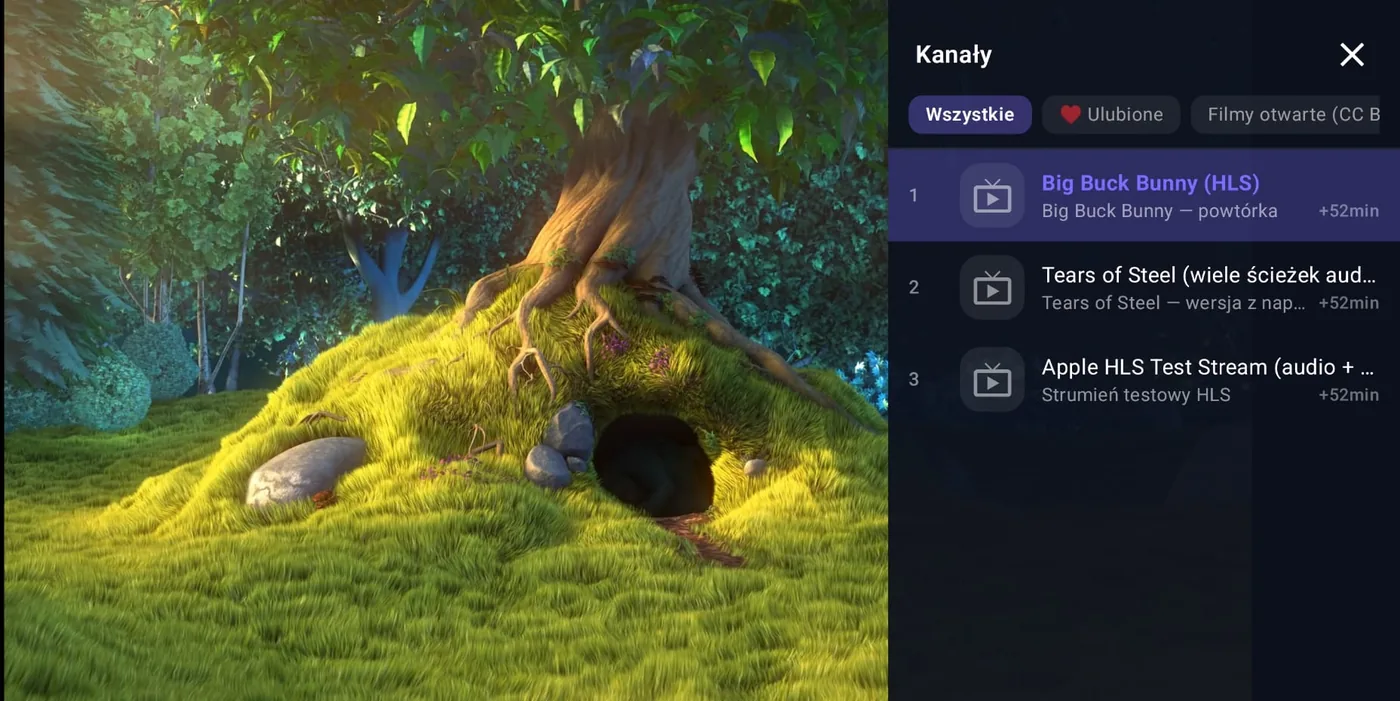
The side panel lets you jump to another channel without leaving fullscreen — as shown at the top of this page.
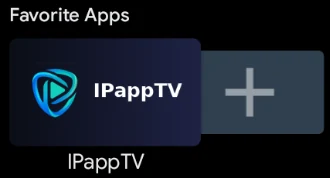 On the TV home screen the app lands among your favourites, like any other.
IPappTV is a player only
The app does not supply television channels or protected content, and does not host or store any video material. To use it you need your own M3U playlist or channel access from a legal source, which you add yourself. You are responsible for the legality of the sources you use.
What you get
Built around you, not around your data
No accounts, no ads, no statistics. Everything you enter stays on your device.
Your playlists
Load an M3U or M3U8 playlist — from a file on your device or straight from a URL.
Programme guide
Loads the EPG guide along with descriptions and categories. You see what is running and what comes next.
Favourites
Whatever you watch most stays in one place.
Audio tracks
Channel broadcasting in more than one language? Switch the audio track with a single tap.
Decoding
Hardware when the device copes. Software (FFmpeg) when it refuses to.
Playback settings
Set the buffer to match your connection — smaller for a faster start, larger for a steadier picture.
Colours and theme
Change the accent colour and show the channel list as a side bar or a centred window — including how far the picture shows through it.
Privacy
No sign-up, no ads, no analytics, no advertising ID. Nothing leaves your device.
Languages
The interface in seven languages
The app picks up your system language, and you can switch it in settings if you prefer another. The screenshots on this page deliberately show two different languages.
Three steps
Getting started
Install the app
On your phone, tablet or a TV running Google TV or Android TV.
Add your playlist
Point to an M3U file or paste the URL from your provider. If you have an EPG guide, add it alongside.
Start watching
The list loads together with the schedule. Favourites and picture settings are right there.
Read more
Documents and contact
Written in plain language, with no legal fog. Worth a look before you install.